Leviathan Video Game-Case-Study

LEVIATHAN - VIDEO GAME

Project Status: Not Shipped

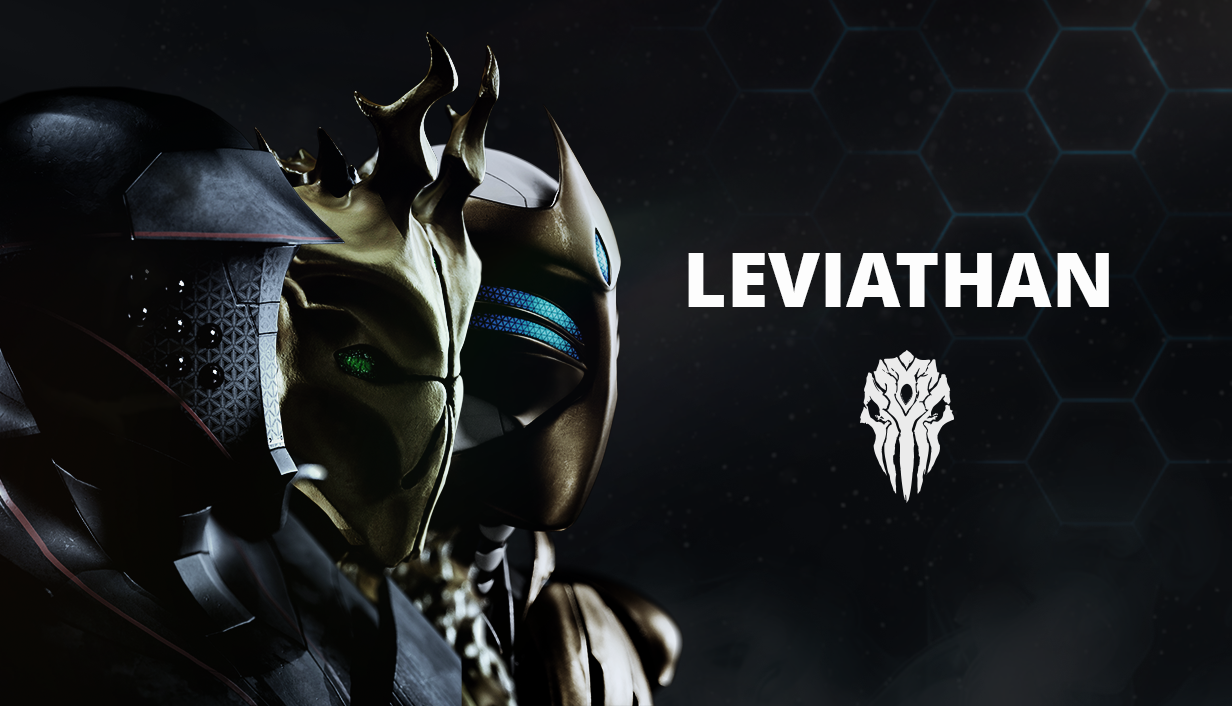
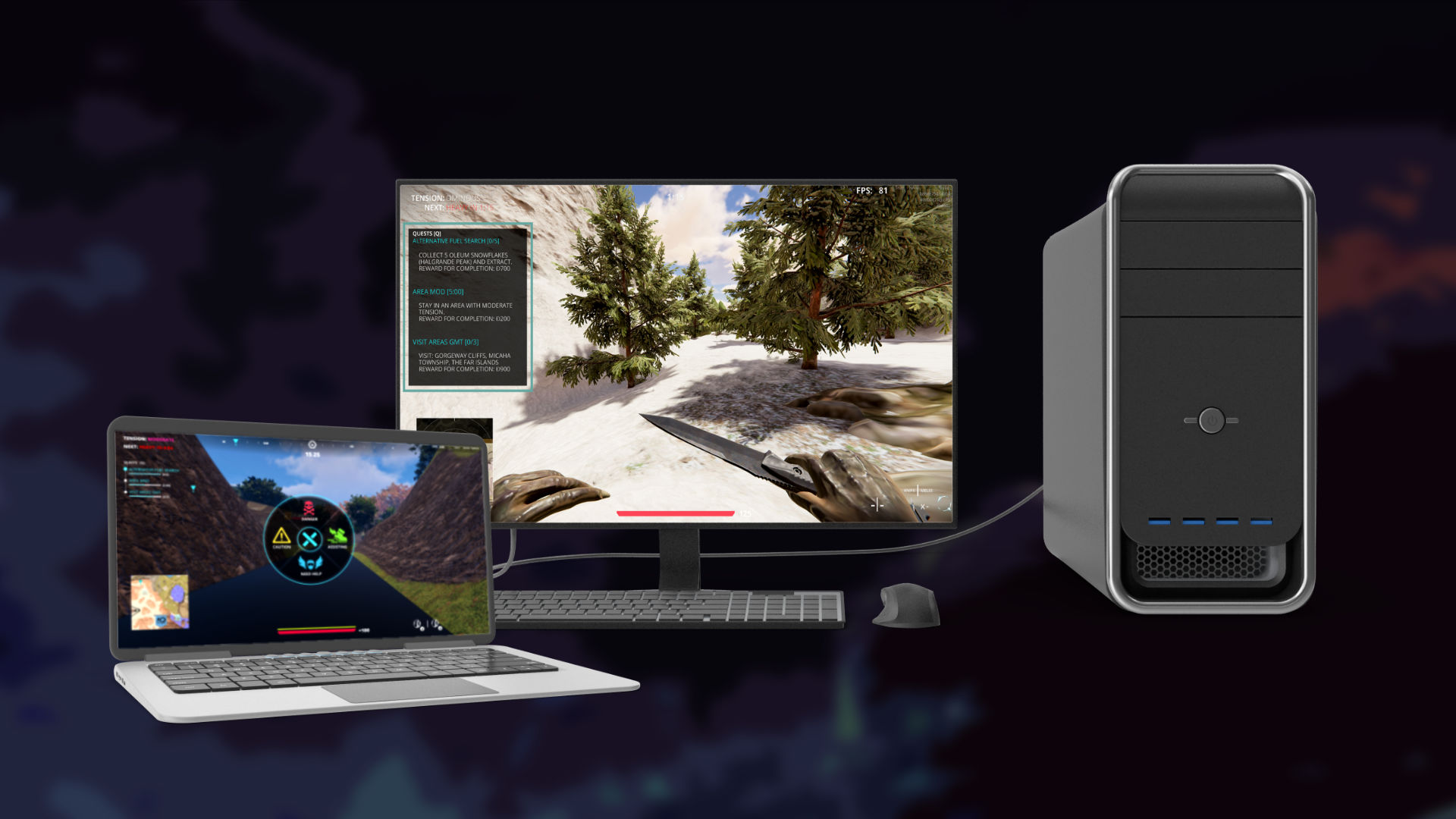
Leviathan is a loot action game that works as a team-based first person shooter. It was developed under Dream Foundry Games and Secret Waterfall LLC.

The core concept of the game was to a PVP (player vs player) team experience, where you get to choose one of three alien factions, competing for resources and land against the other two factions.
ROLE:

UI Designer

FOCUS:

User interface & Experience design and layout

TOOLS:

Figma, Photoshop, Illustrator, Adobe XD

DURATION:

2 Years

BACKGROUND

Dream Foundry Games was approached by a client who worked as a streamer and Roblox content creator on Twitch, that had a vision for a PVP shooting game with a sci-fi theme.

The development team at Dream Foundry Games assembled a team from within the company and contracted out a team of designers, developers and artists who have worked on both indie titles and within the AAA game industry to bring the project to life. UI/UX designs, 2D concepts, 3D models & animations, sound design, and development within Unity 3D would all encompass the the scope of the project. We would also be responsible for designing and developing the website for the game, as well as the marketing and media for the Steam store page upon every phase of release.

PROBLEM

Leviathan was planned as a PVP shooter with an emphases on looting for reward. There are also three main factions that the players could choose from to play as; all with unique advantages and disadvantages that would alter the experience for the players based on faction selection. Players will battle on a massive map with multiple diverse locations with dynamic difficulties based on a timer. capturing territories and defeating bosses would reward players based on the difficulty levels at the given time.

The project required not only UI elements that clearly illustrates these core features, but menus that would easily allow the players to manage items, money and customization of their accounts.


GOALS

Leviathan would require unique UI assets that would be clear to understand, such as lot’s of map iconography, health & stamina meters, equipped weapon icons, and several assist features that could be readable at a glance.

Menus would require load outs, shops, metrics, and unlockable information that would be accessible by finding special items within the world. These menus would need to flow in a way that could help the player expedite changes so that they could quickly jump back in to current or new matches.

RESEARCH

OVERVIEW

  • CLIENT REVIEW
  • VISUAL INSPIRATION
  • GENRE ANALYSIS

CLIENT REVIEW

I had been brought on to the project after the initial client review and the first draft of the game design documentation. However, I was able to have time to review these documents that were created by our game designer with approval by the client.

Next, I was able to ask our client a series of questions about the themes of his work, and the visual tones that he wanted to achieve with his game. We discussed the types of iconography that was present in his novels, the demographics of his readers and the age range that the themes in his stories aimed to attract. These discussions gave the team, and myself ideas on how to better translate his IP from a novelization medium to a visual and interactive one. The next step would be to create a mood board for the client and team to better see what this visualization could look like for the project.

VISUAL INSPIRATION

I drew a lot of inspiration from darker themes and more mature fantasy. I wanted to give the world a sense of dread which could make the player feel as though the stakes were high, and that victory at the end of every level would feel even more earned and rewarding.

GENRE ANALYSIS

A crucial step in the review and research process was analyzing the rail-shooter genre in video games. This was to best understand the mechanics and the type of visual storytelling that genre excelled at, while learning what could be improved upon when creating the UI and visuals for Through Blood and Dragons.

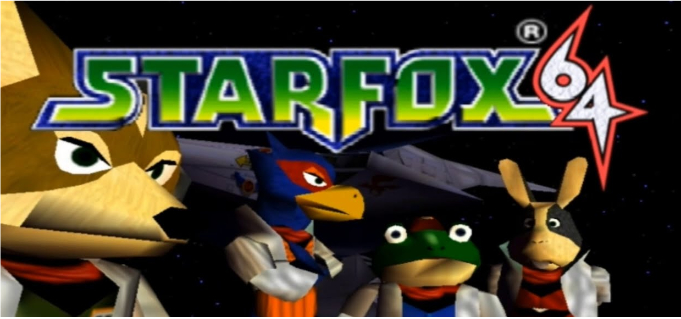
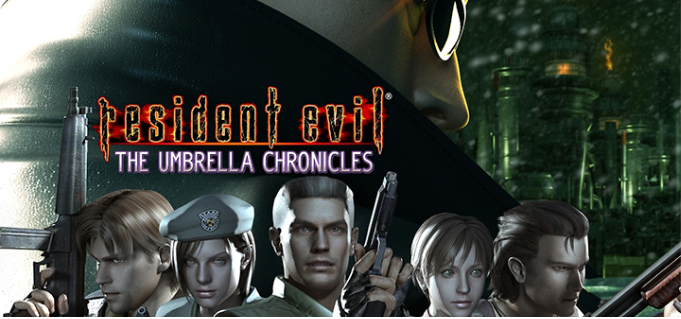
Three major games were the inspiration for the type of game that the team had pitched to the client: Panzer Dragoon, Star Fox 64, and Resident Evil: The Umbrella Chronicles. The latter being a title that did not fit to similar game mechanics, but was more of an example of how rail shooters still showed promise and popularity, even in modern day gaming amongst the swaths of online team-based games, first-person shooters, and open world adventure.

VISUAL EXPLORATION

OVERVIEW

  • COLOR PALETTE
  • TYPOGRAPHY
  • UI COMPONENTS

COLOR PALETTE

The Branding for the web design utilizes a mixture of warm and cool colors, conveying the night sky with the warmth and wonder of the stars that inhabit it. The orange and yellows provide a pleasant glow to the purples and deep blue that lend to the idea and name of the company: Creating out of dreams. This analogous palette is meant to feel whimsical and fun.

LEVIATHAN - UI COLOR PALLETE

TYPOGRAPHY

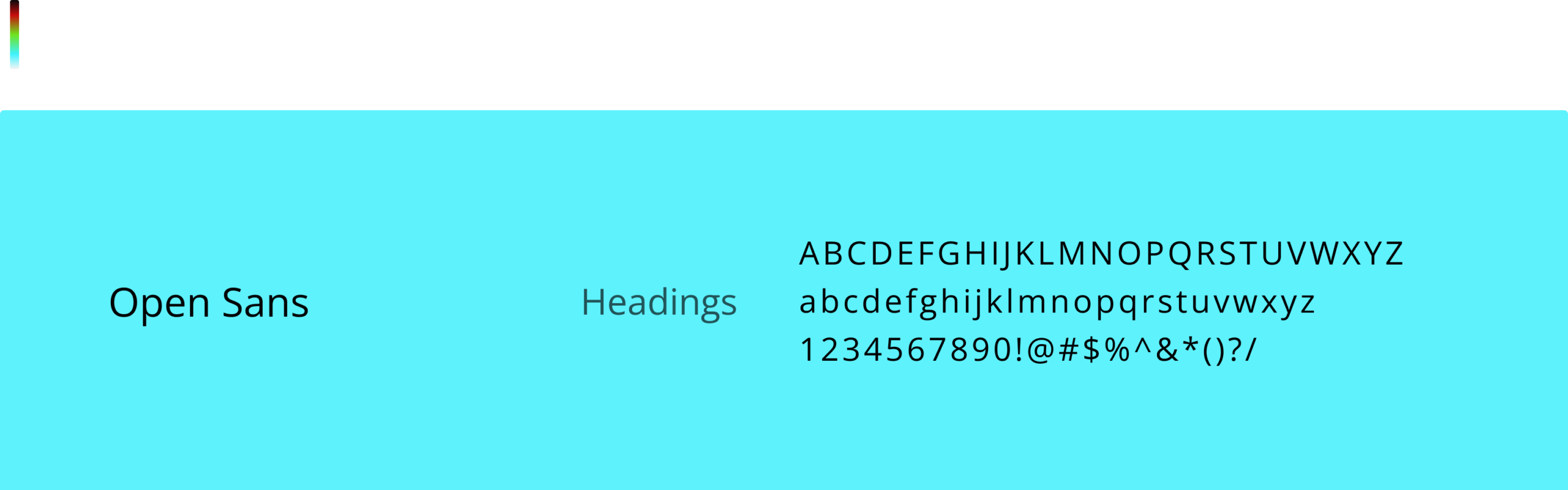
The fonts that were employed needed to fit the branding for Dream Foundry Games, while being clean and readable. The client wished to stay away from serifs, and so two sans-serif fonts were chosen by myself: Rubik and Roboto. The former was implemented as the header styled fonts, and the latter was for paragraphs and hyperlinks. Both fonts have rounded edges, conforming to branding while retaining a modern and readable standard for web design.

UI COMPONENTS

UI components for the site include buttons, Icons, and forms. All three use various forms of visual ques which help to create a bridge between the client’s website and the users for ease of navigation and pleasing interactivity. I followed an 8px grid guide for the buttons, scaling for icon hovers, and color swaps for the buttons for quick recognition of interactive behavoirs.

ANIMATED COMPONENT SHOWCASE

INTERFACE DESIGN

OVERVIEW

  • INITIAL MOCK-UPS
  • HIGH FIDELITY DESIGN
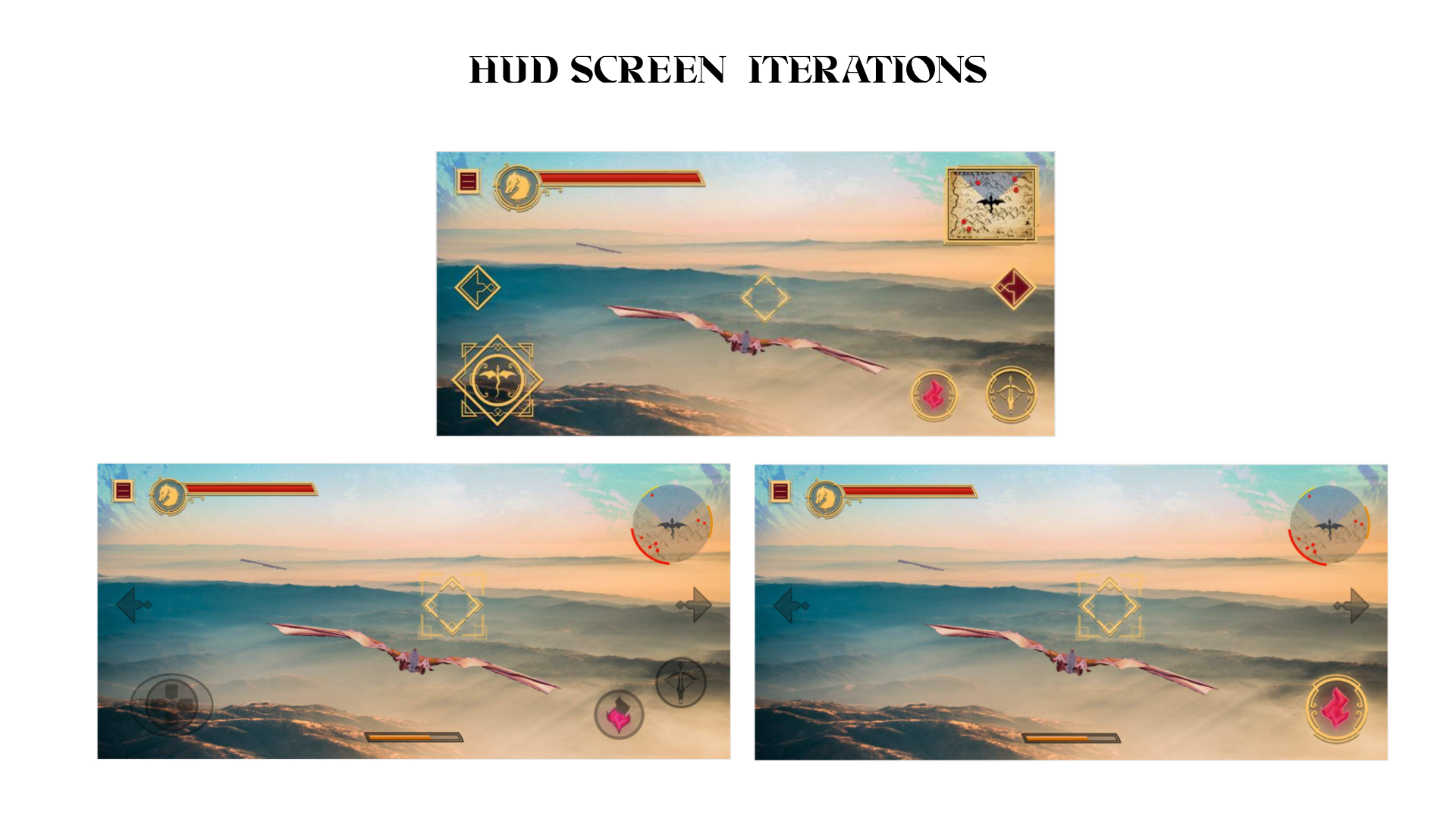
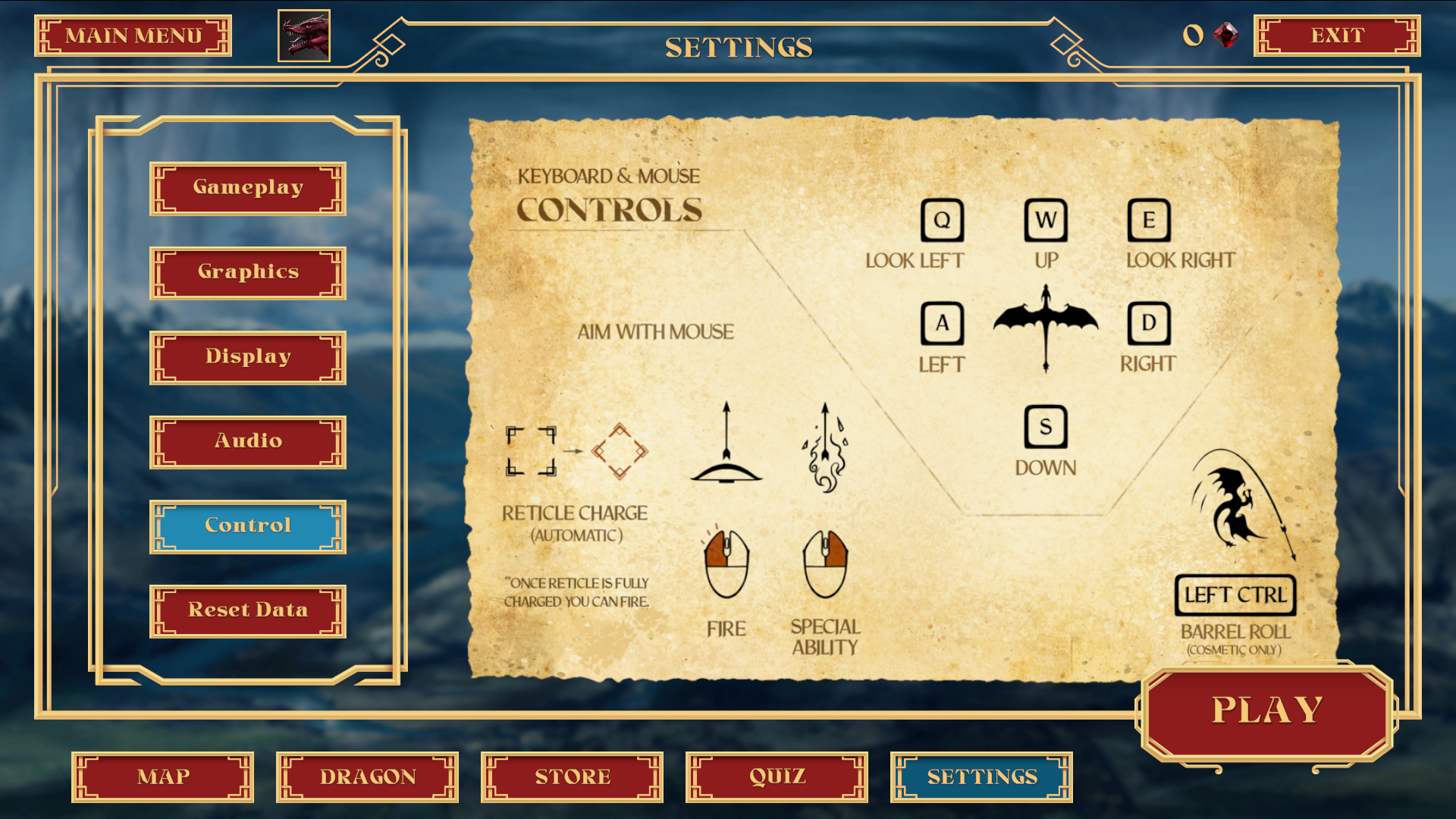
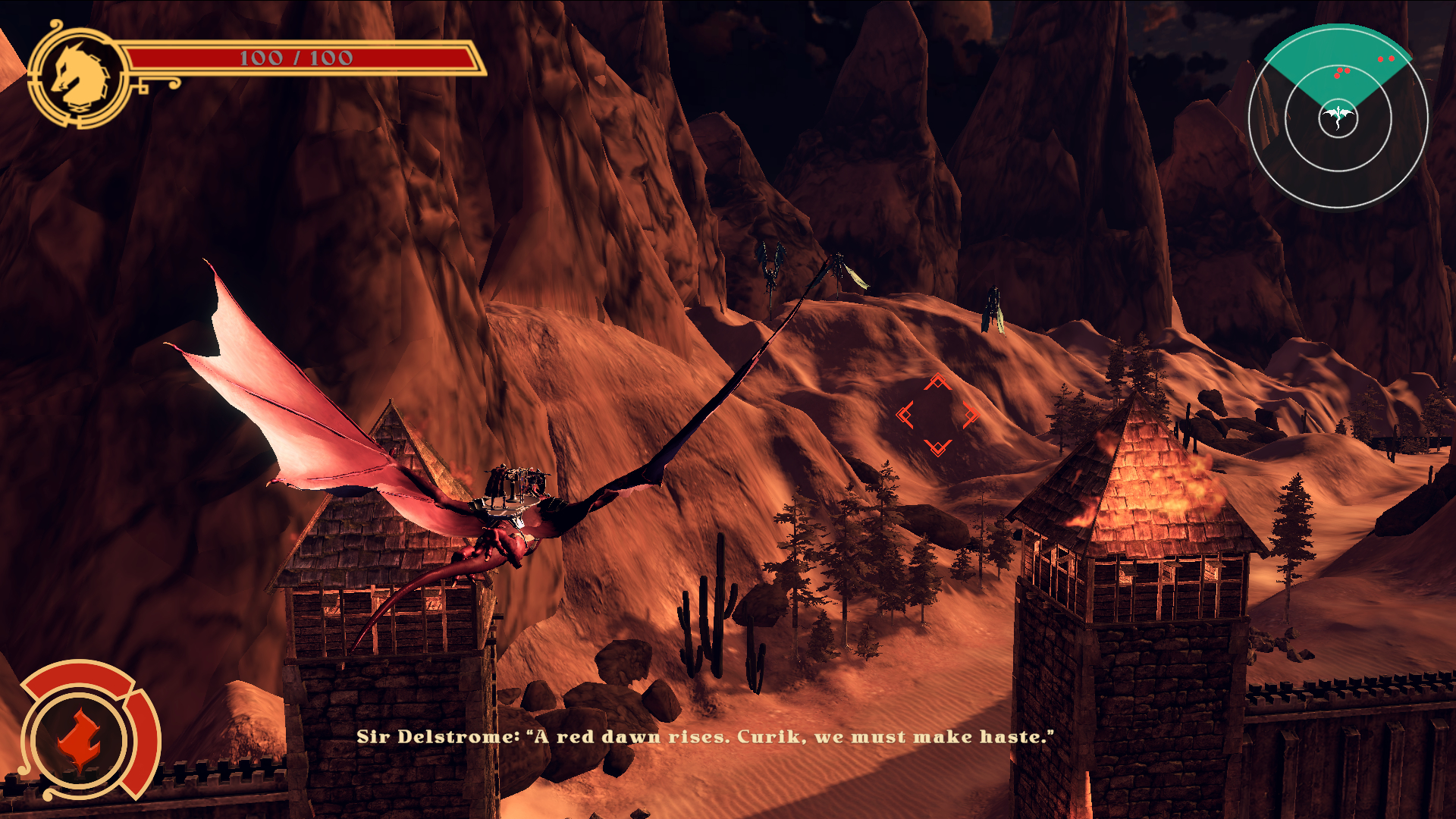
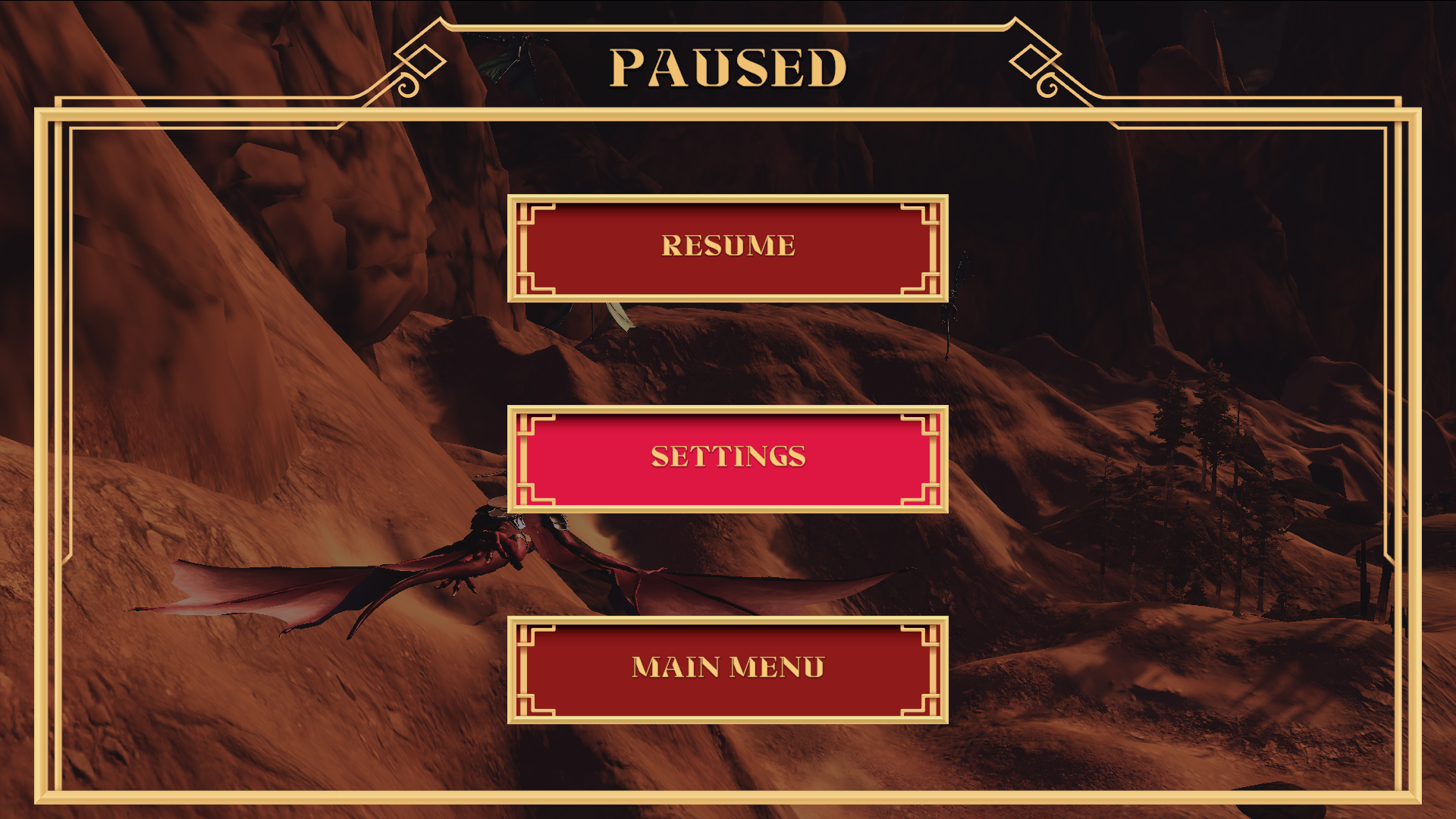
The UI for video games comes in multiple parts. There are menu designs necessary for the players to be able to navigate the various options that they may have prior, during and after interaction with the game world. Then, there is the game HUD (Heads Up Display) which is how the player interacts with the game world itself, during play. A third part that was not necessary for this project could be a website for the game, which is usually a marketing tool that can allow the users ability to reserve, purchase, and obtain news for the game. For Through Blood and Dragons, the client wanted to self-market, and use Steam as the main hub for platforming the title, and delivering information to players about developer updates, new content, and ability to purchase the game. (Note: As of this current case study, Through Blood and Dragons is slated to also release on XBox)

INITIAL MOCK-UPS (created by the game designer)

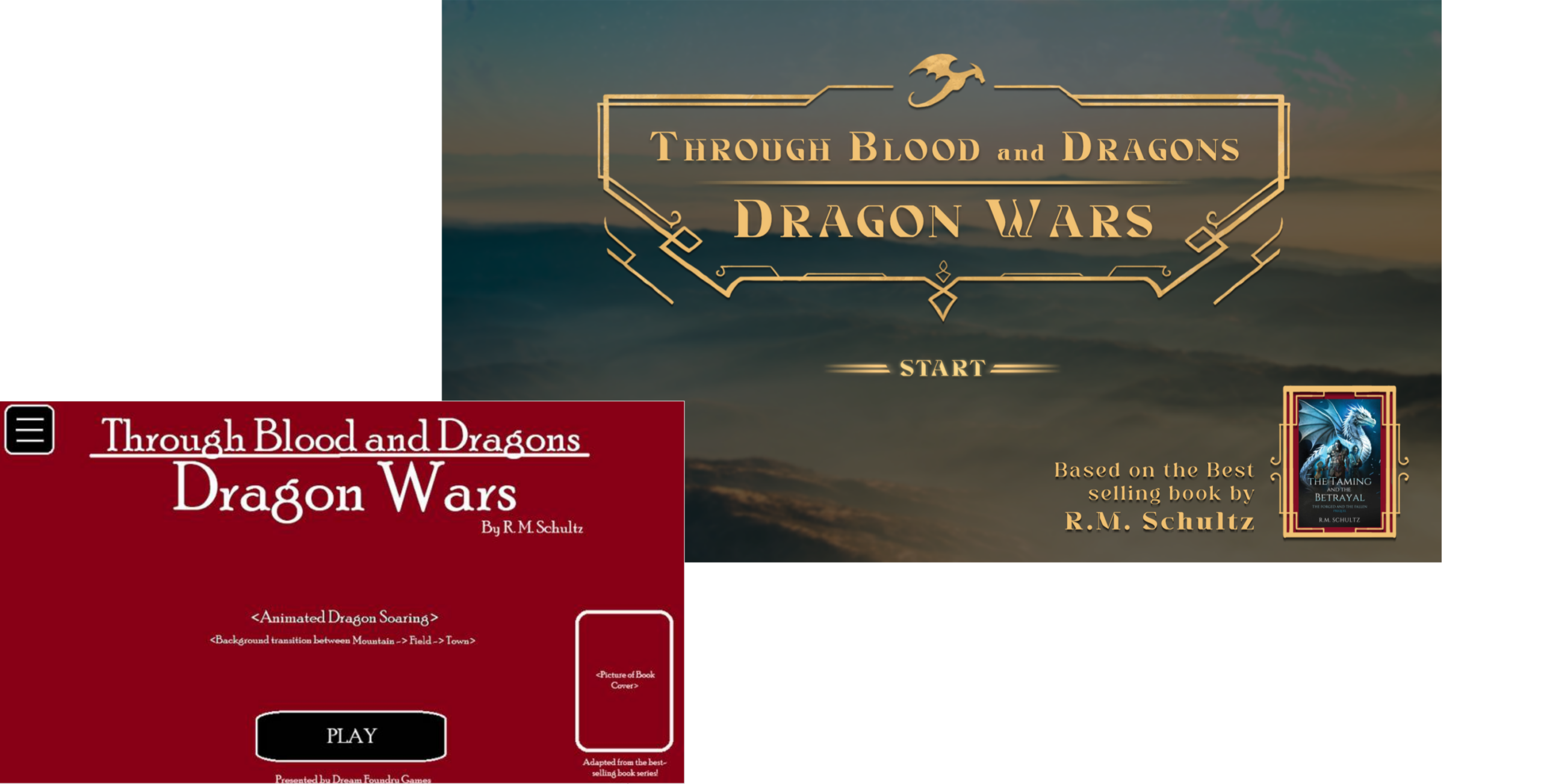
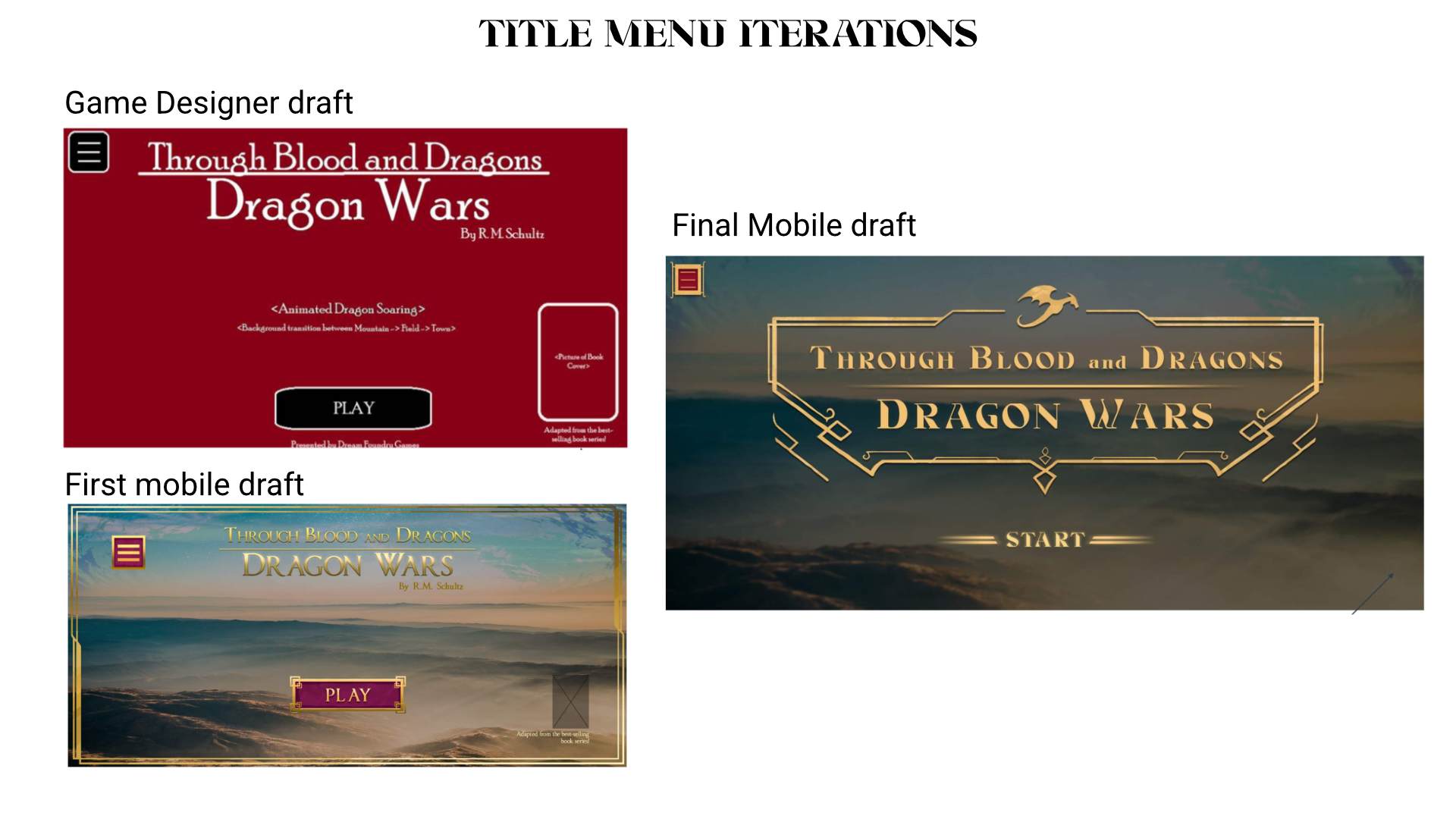
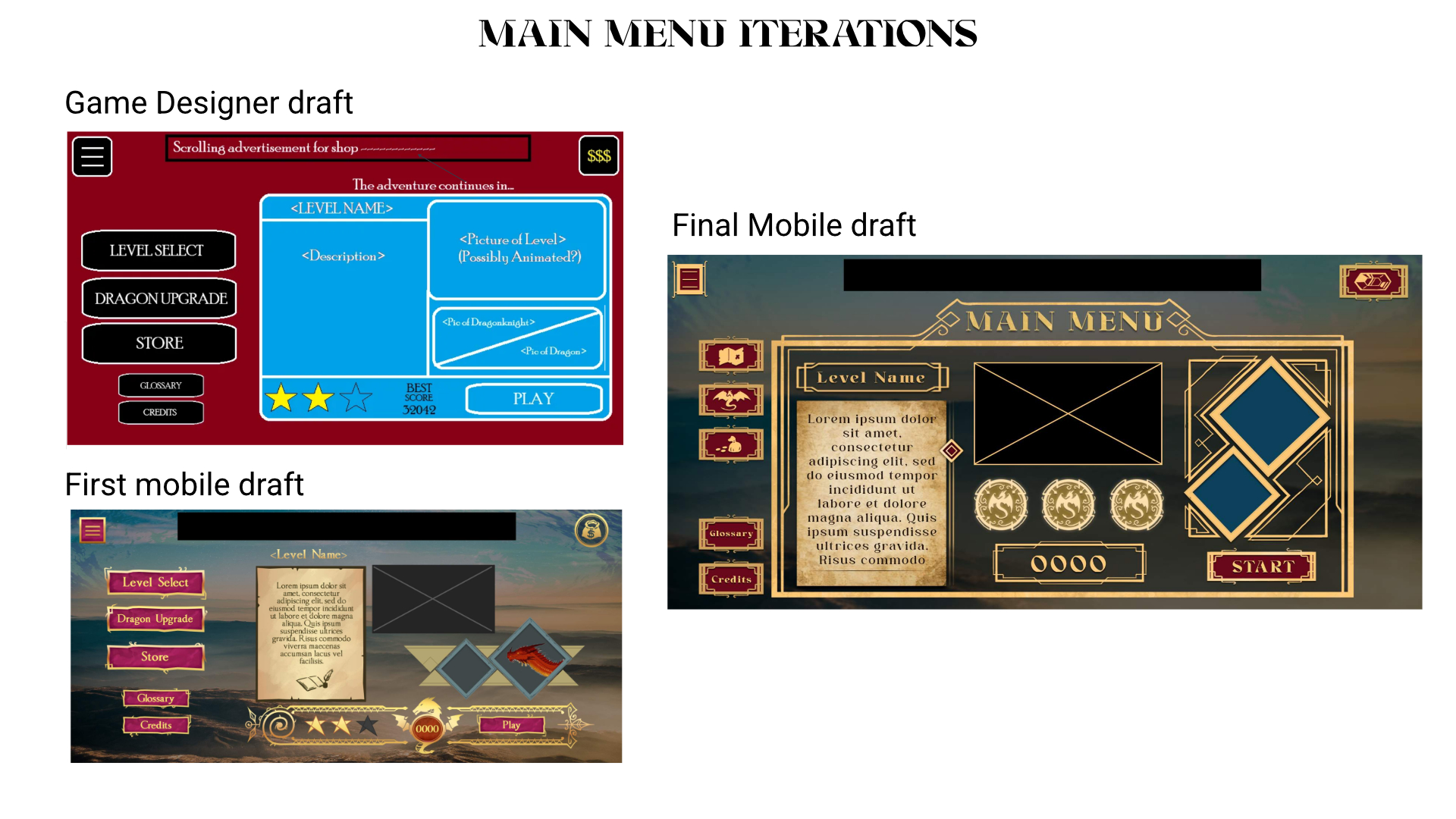
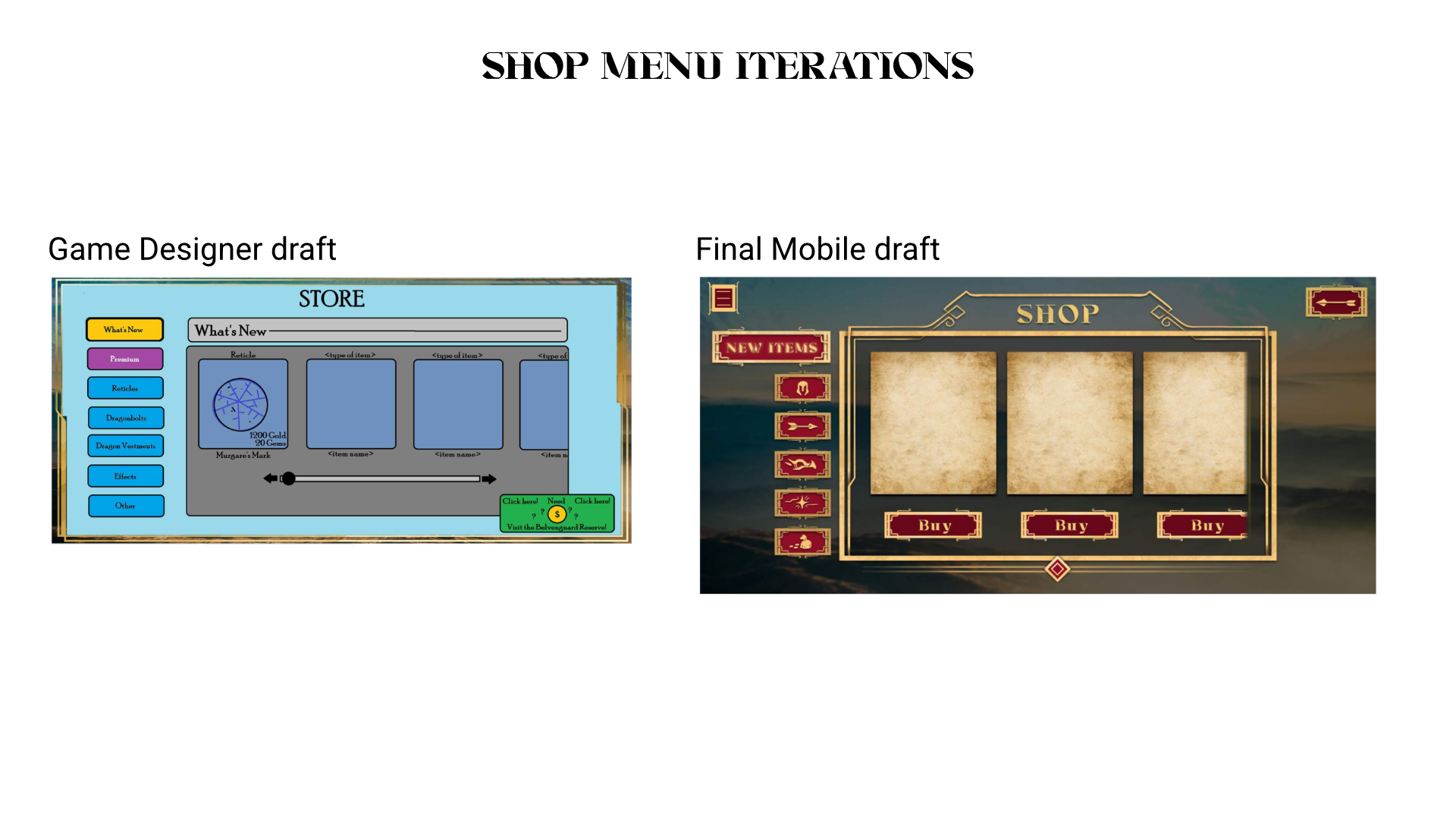
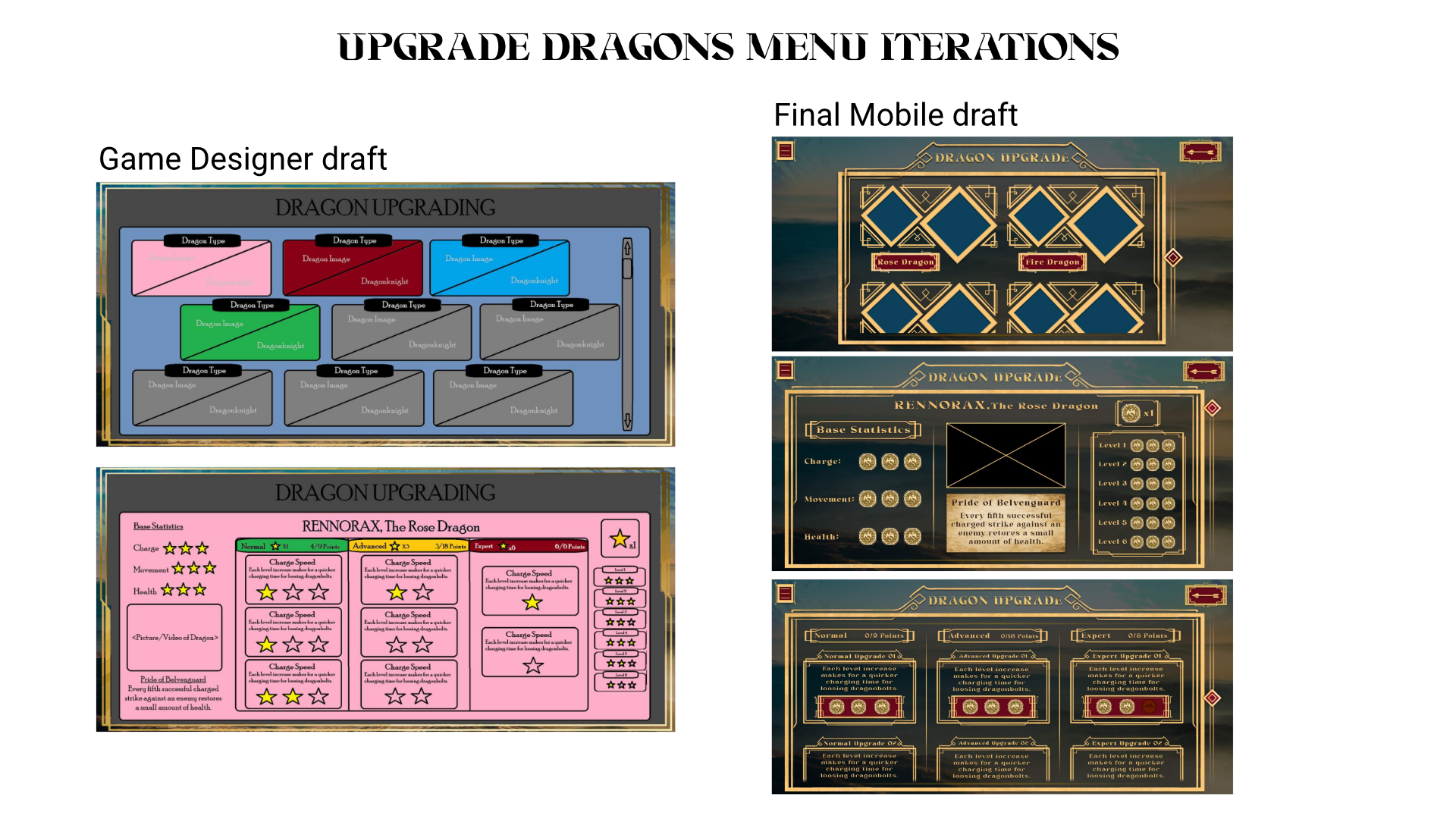
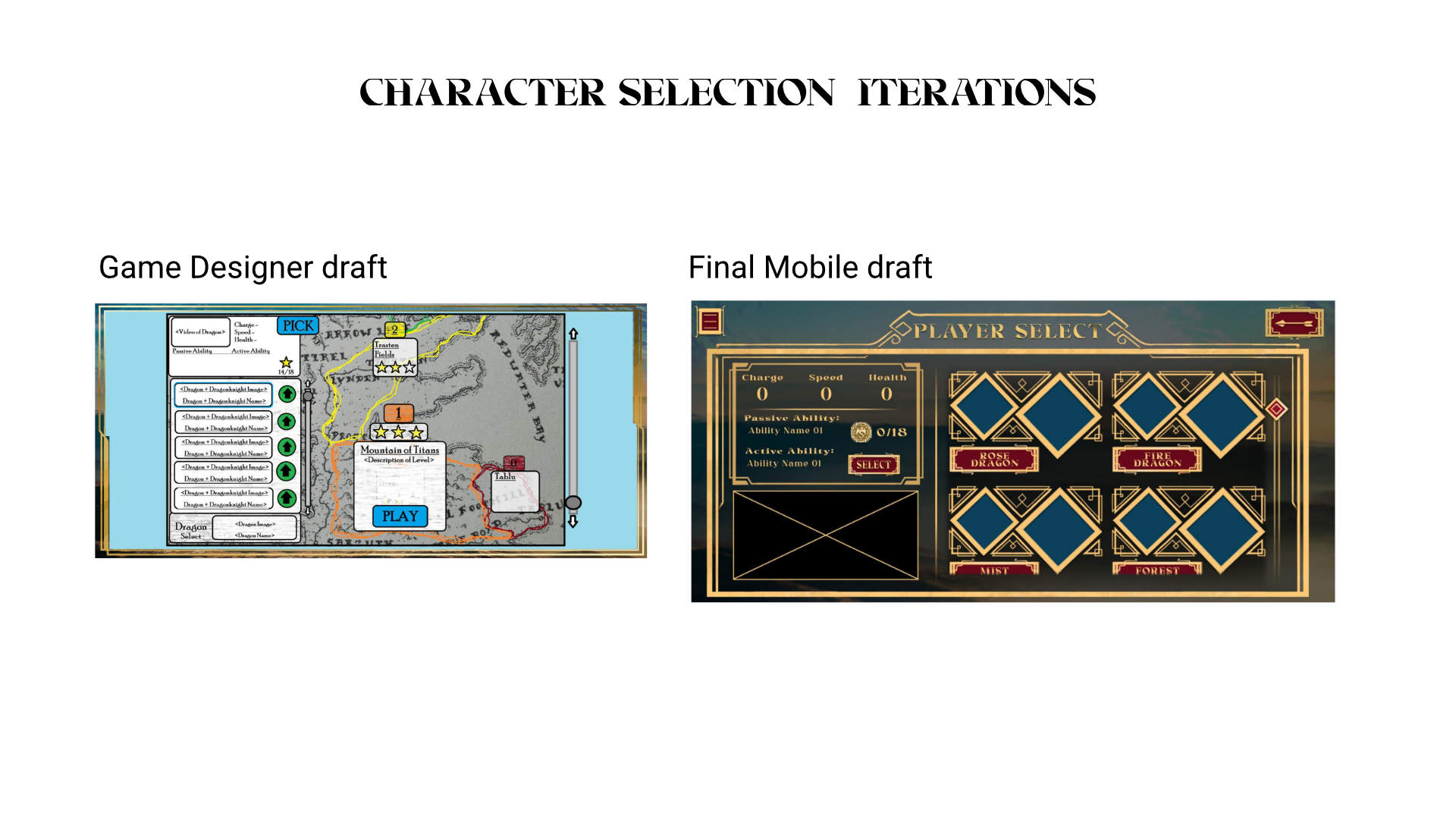
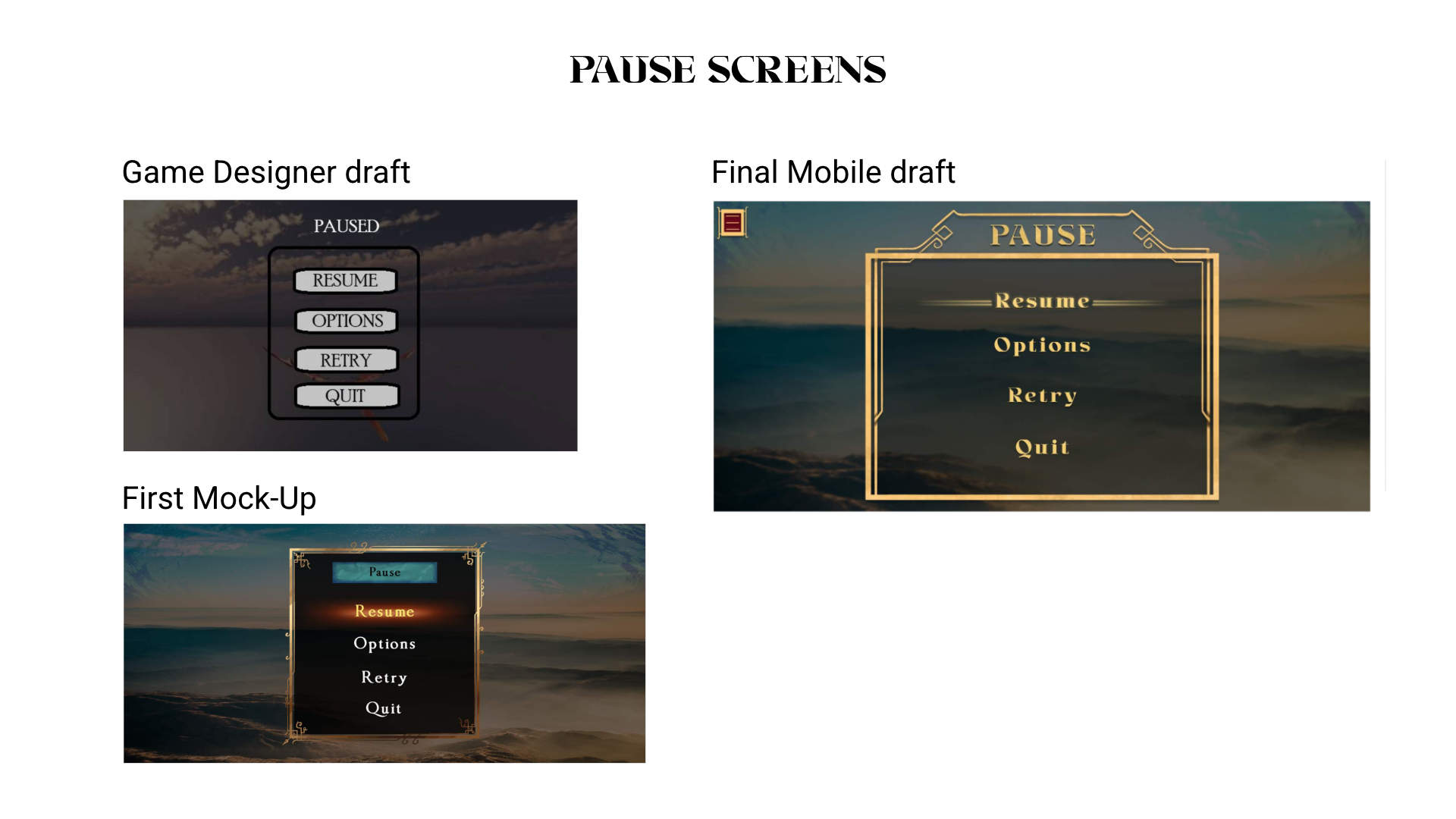
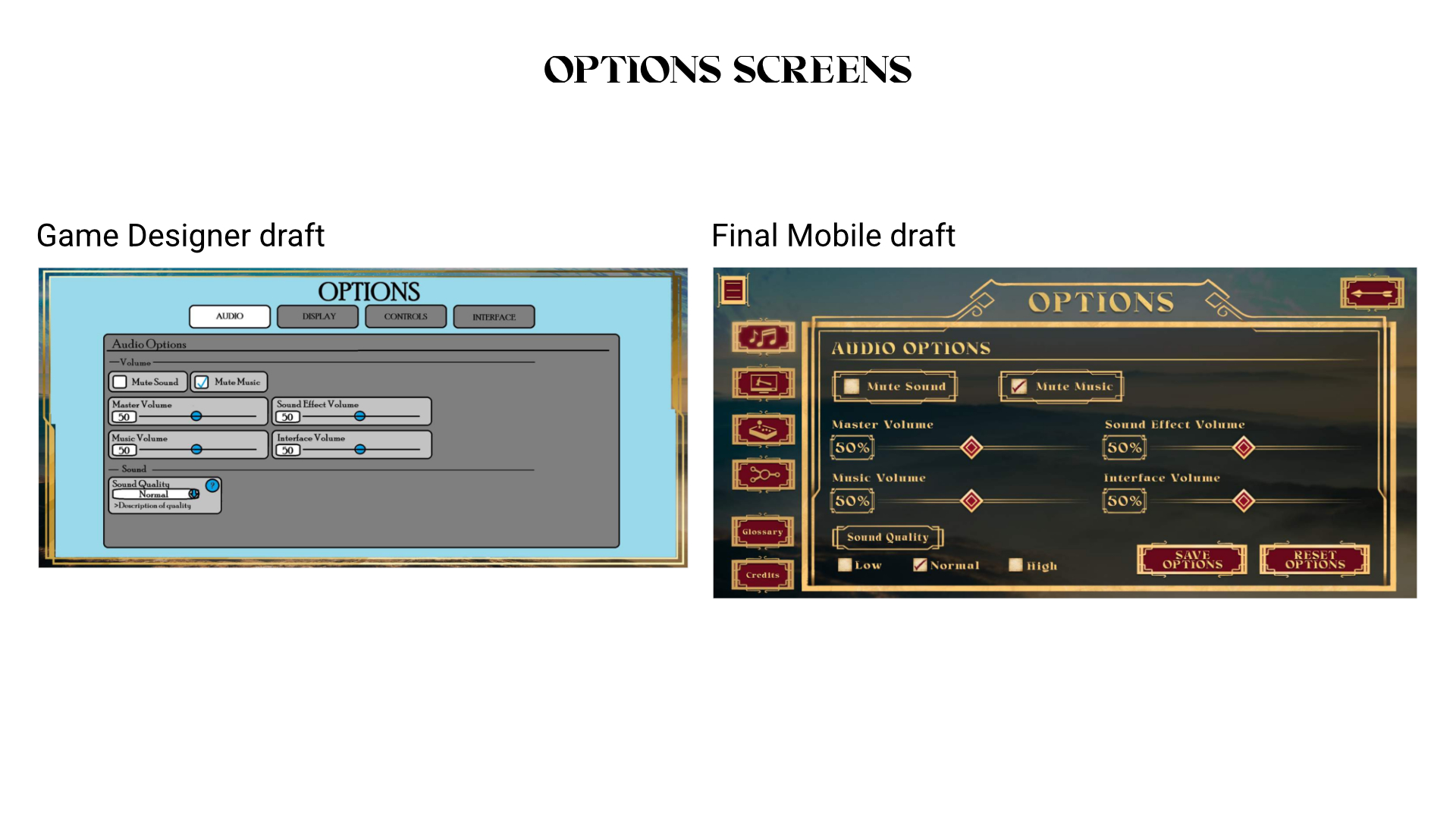
The initial mock-ups and layout were created by our game designer, Cameron Bowman. These were created as a mobile app layout at first, then reworked for platform gaming in mind.

I worked with the game designer to revise these screens to work in a 16:9 aspect ratio (as the game would shift from a mobile to console game) to work with tv’s and and high resolution monitors. The changes in layout were minor, removing items such as a hamburger dropdown, and being able to make better use of the vertical axis for spacing.
SCREEN FLOW

HIGH FIDELITY DESIGNS

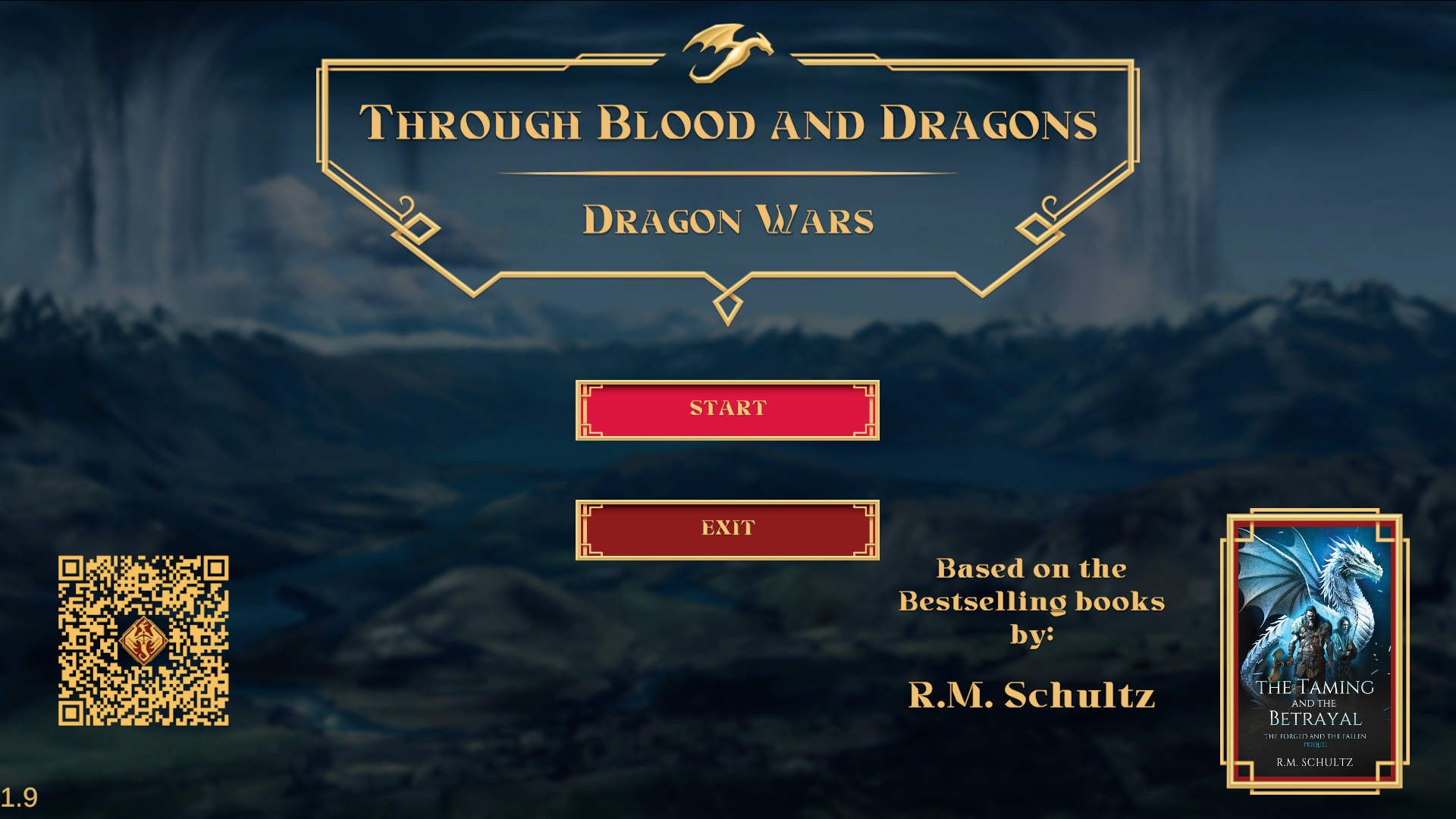
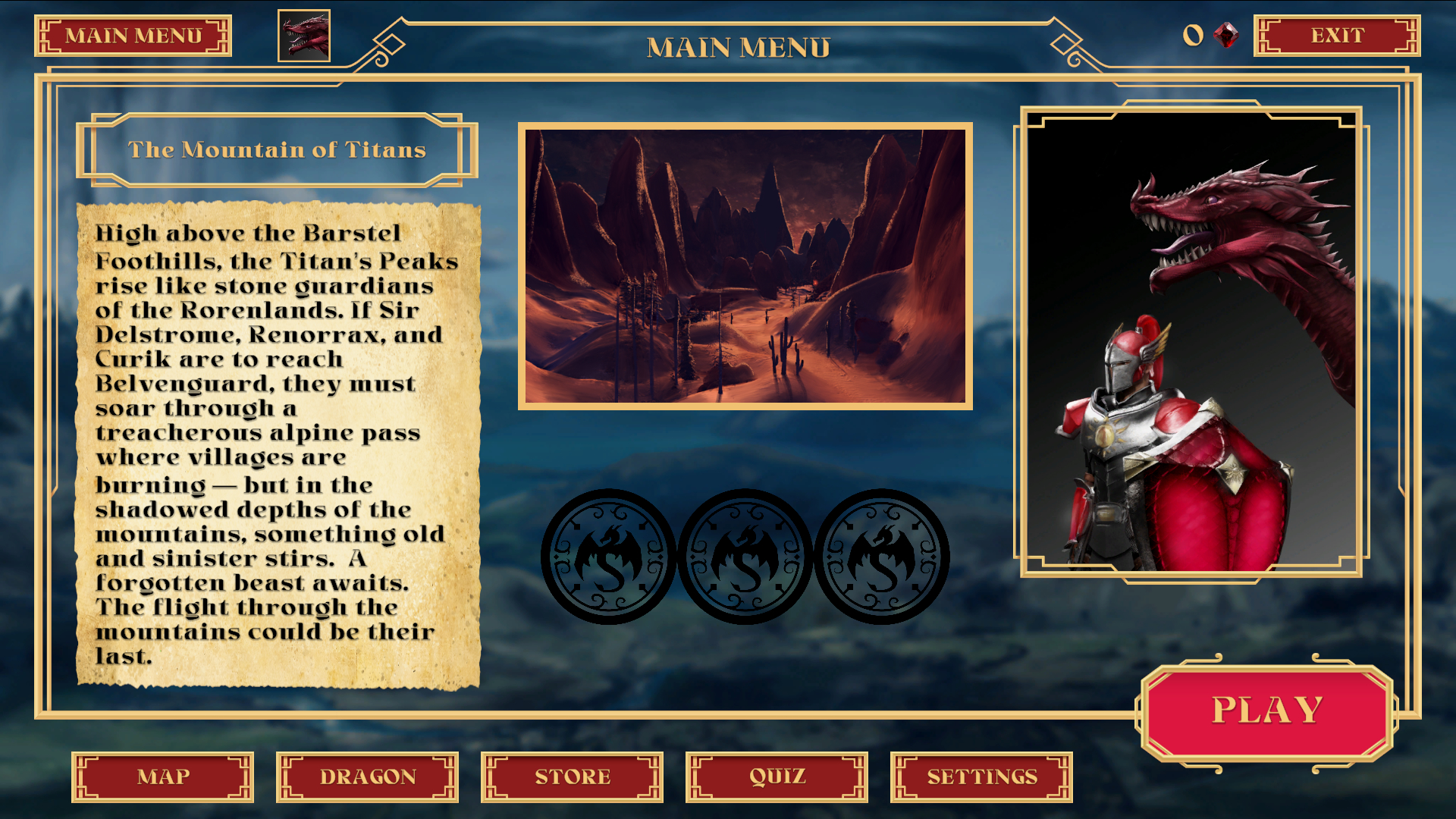
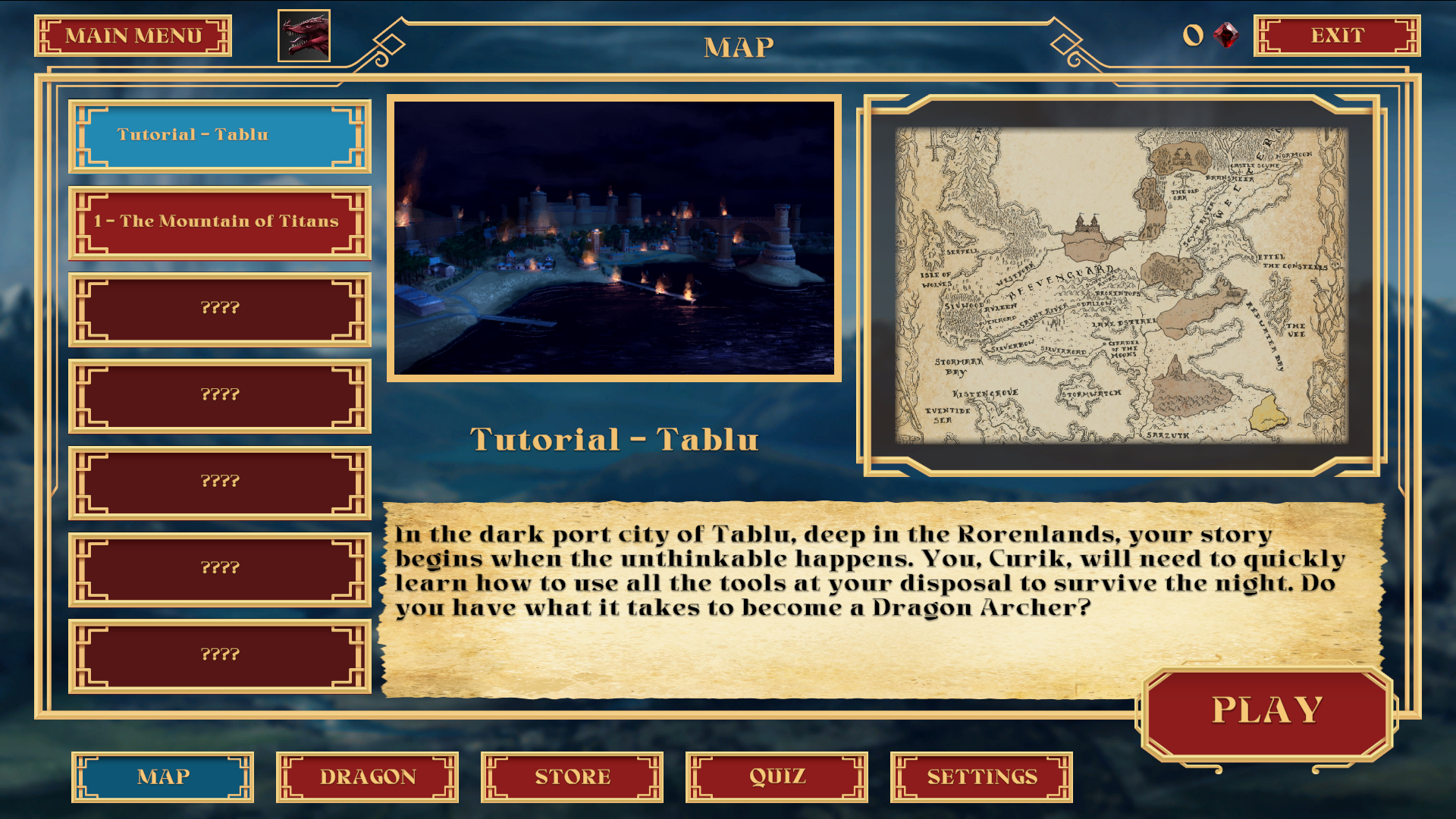
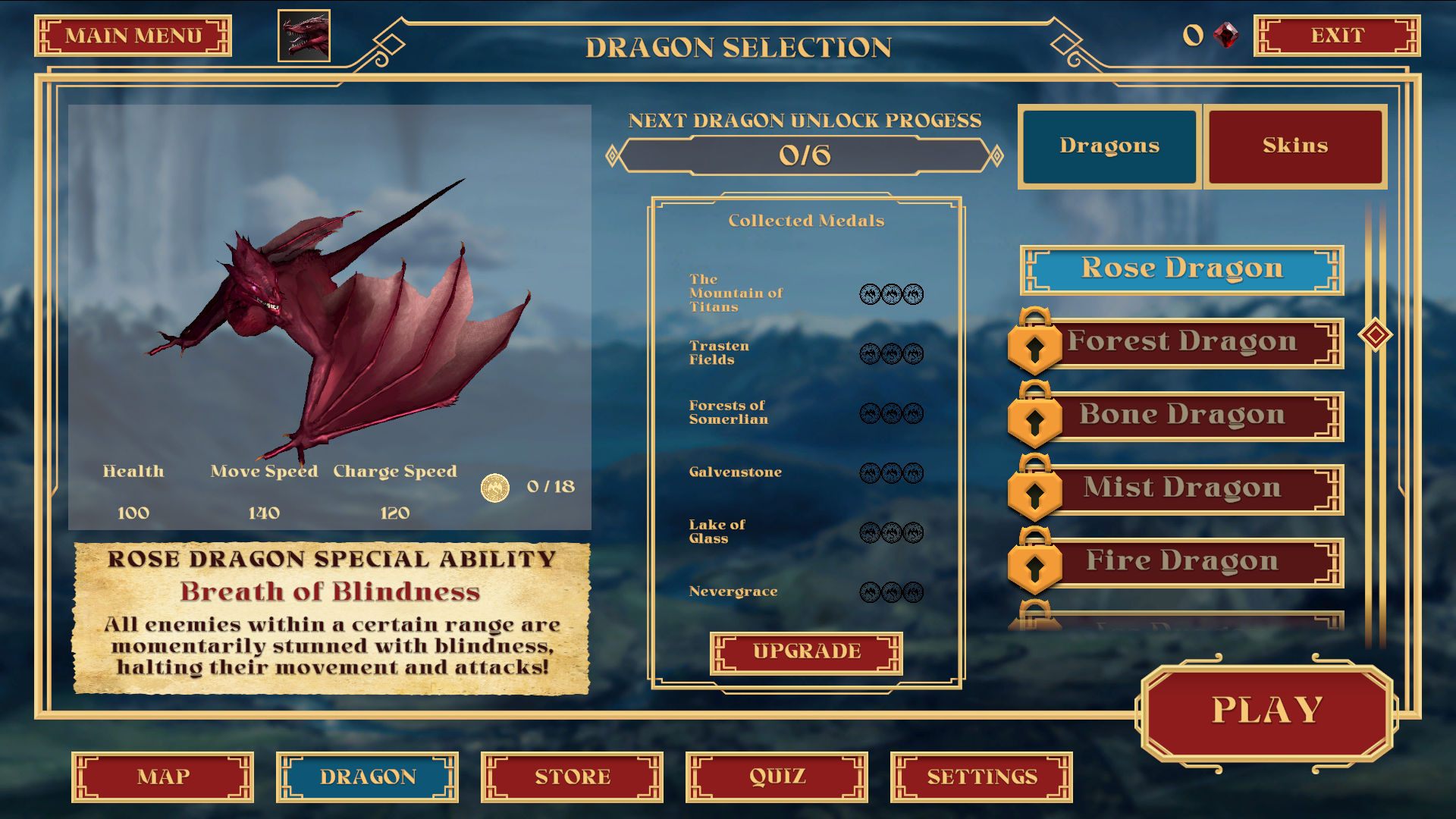
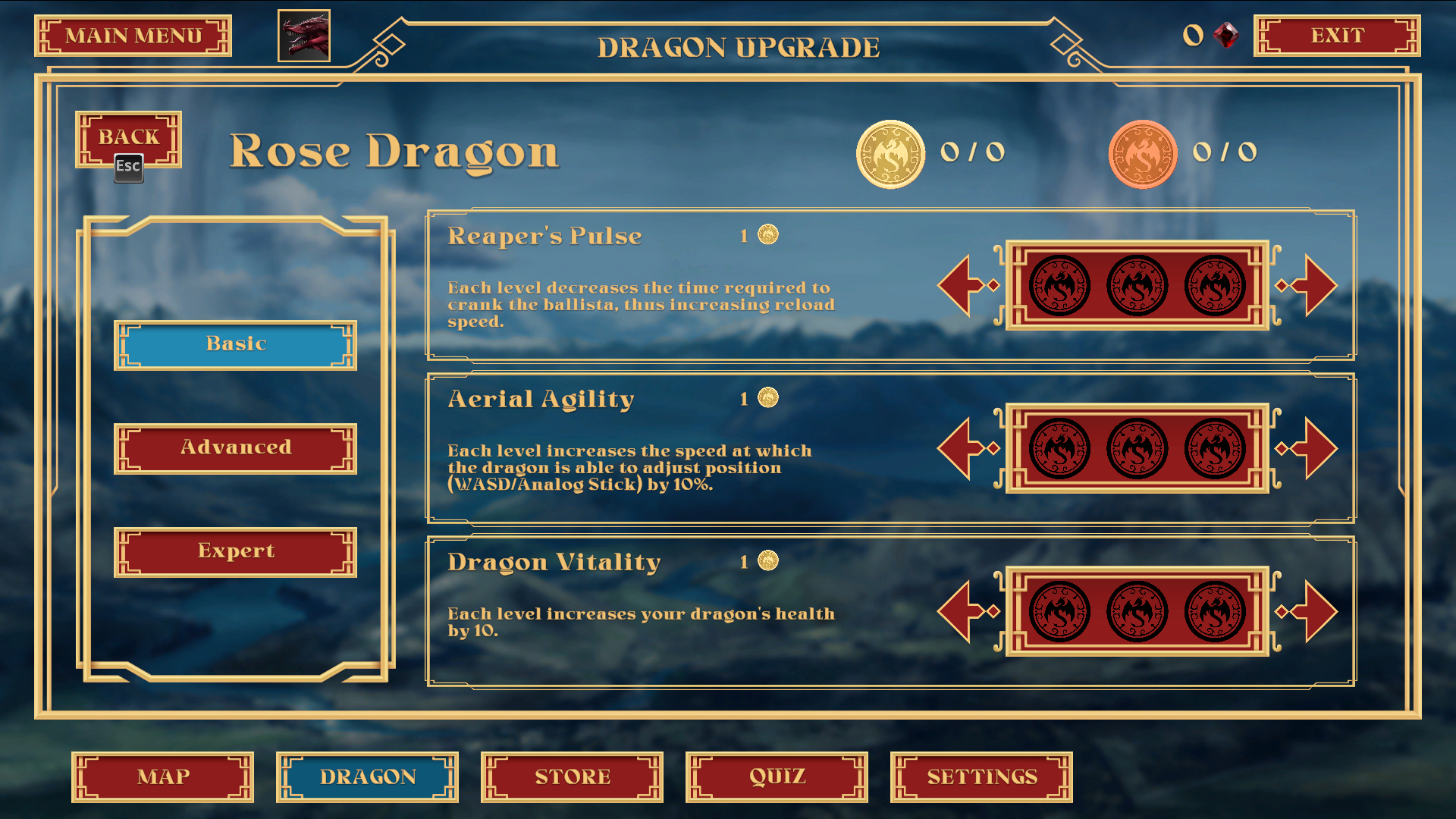
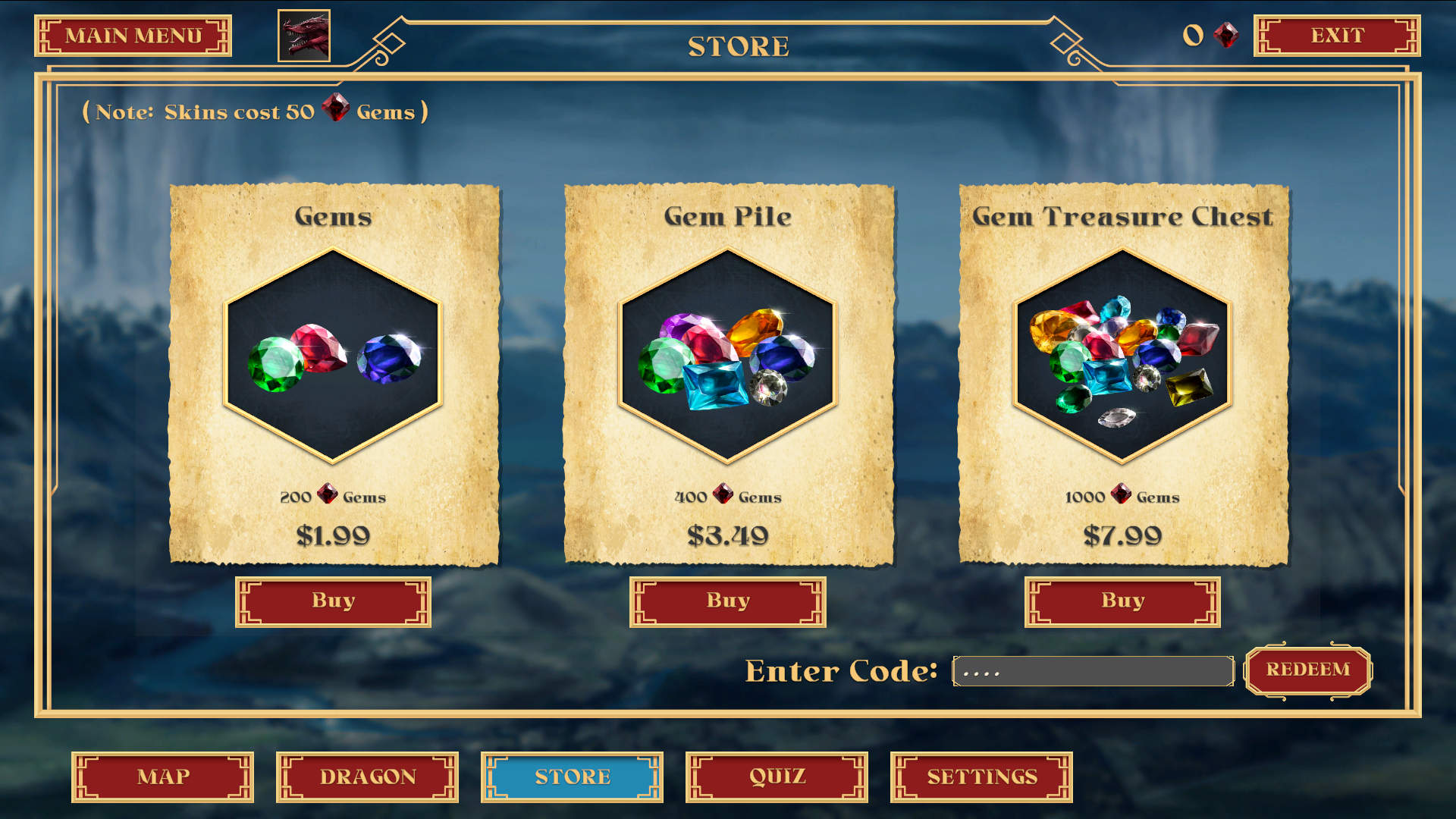
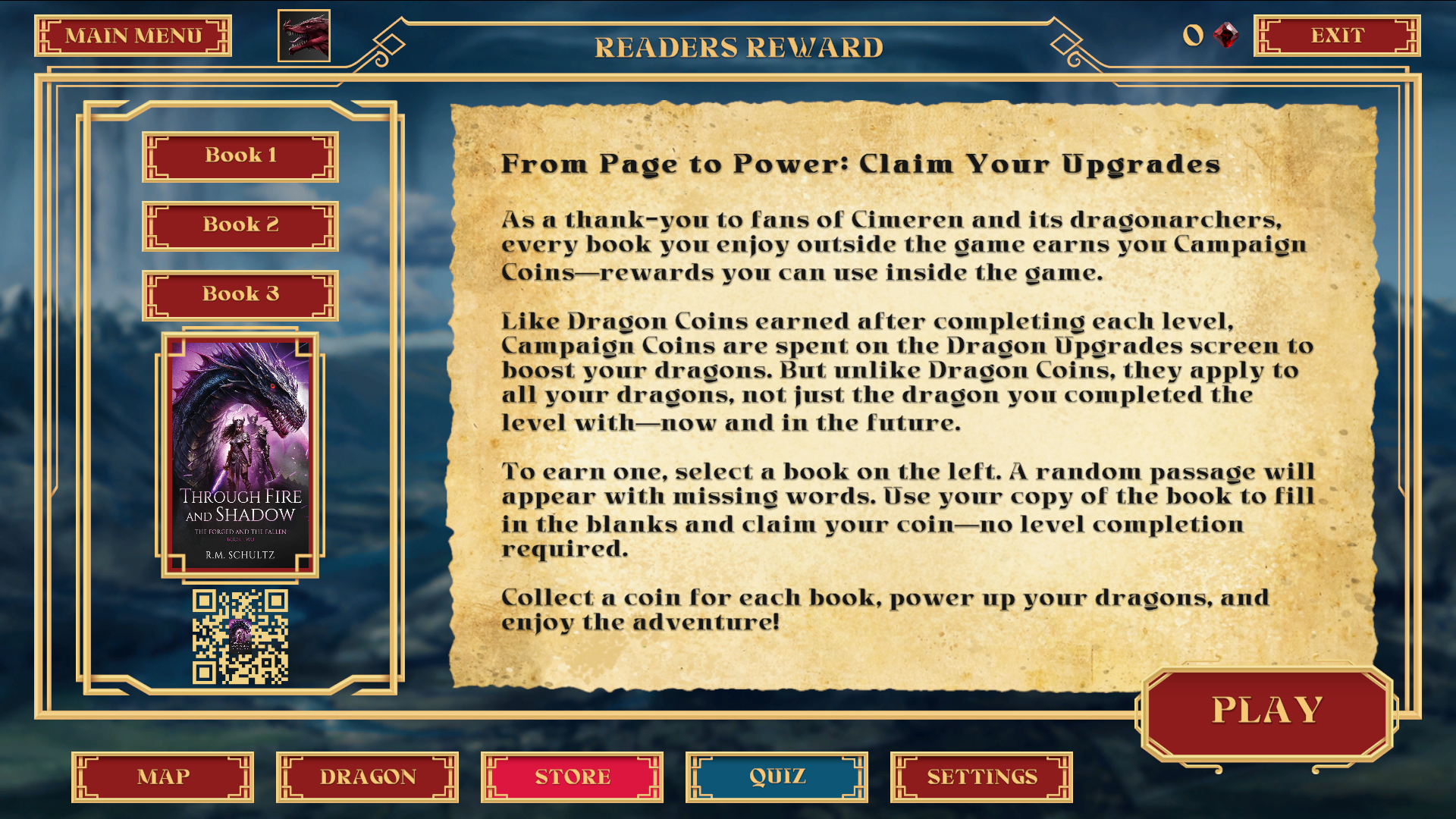
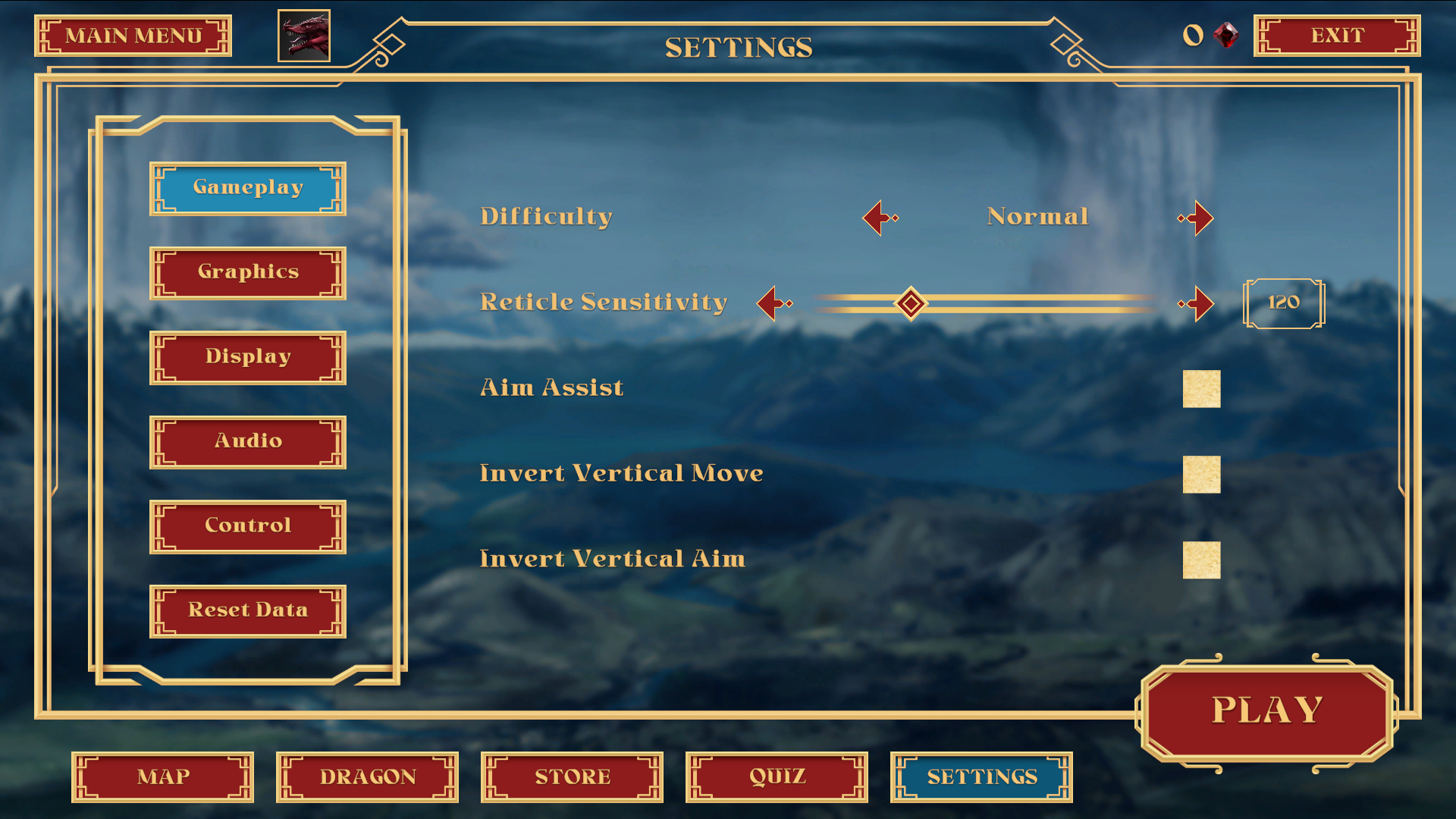
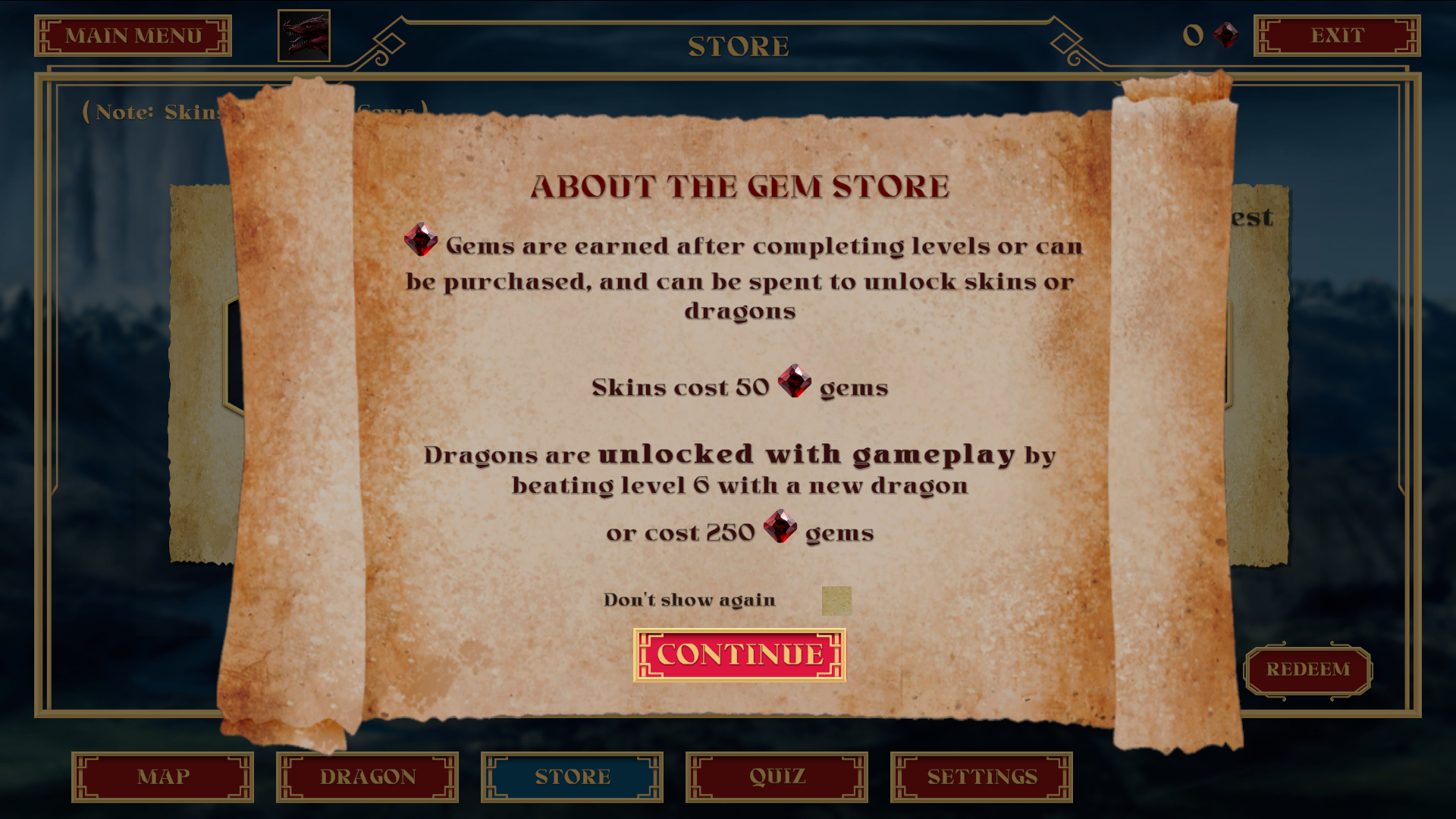
The final screen designs were based on the mobile renditions above, with the caveat that we were able to do away with certain elements, such as the hamburger dropdown, include highlight states for interactive elements, and had more screen resolution to work with.
At this stage, we also had consolidated some screens to tighten the flow, and cut down on the potential for confusing users. This also had the added benefit of cutting down on project size (which was also important for performance and optimization).

You can purchase the full game, or play the demo for free at Steam:

REFLECTION

Through Blood and Dragons: Dragon Wars taught me a number of valuable skills and insights in the world of game development, such as the differences and similarities to UI for web design and video games, mobile vs console UI, and when to use custom animations opposed to using Unity Engine for User input functions.

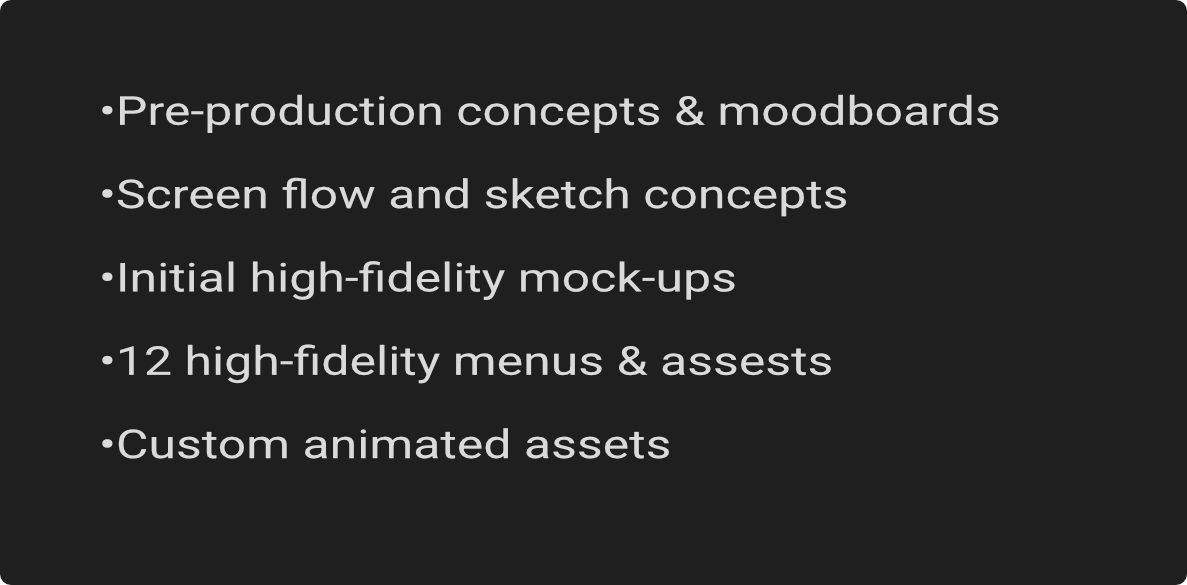
DELIVERABLES SUMMARY